
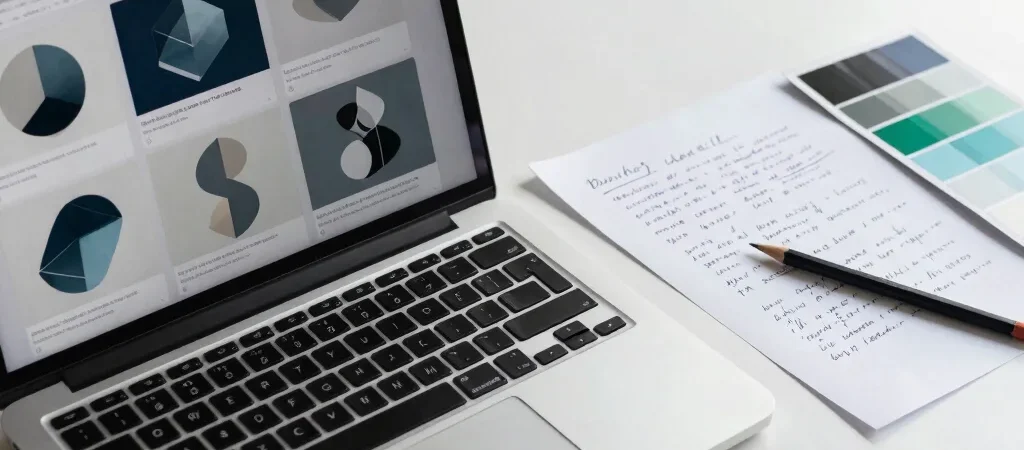
You have a campaign to finish, three image concepts to explore, and a shortlist of AI generators that all look convincing in their galleries. The useful question isn’t which one makes the prettiest sample; it’s which one helps you get from brief to usable asset with the least friction.
Start With One Creative Brief
Write a short brief that reflects the work you actually do: for example, a square product image with a specific subject, background, lighting, and space for headline copy. Use the same brief in each tool you’re considering, and keep your wording consistent so the comparison isn’t skewed by different prompts.
Then look at more than the first output. Note how much prompt adjustment it takes to approach the brief, whether you can make useful variations, and how easily the result fits the next step in your process.
Judge the Whole Workflow
A creative team may care about repeatable control, file handling, or a clear path from concept to a finished asset. A solo creator might value a simple interface and a fast way to explore directions. List the requirements that matter to your project before comparing interface details or extra features.
Also check the current terms for commercial use and the plan details directly with the provider. Those can affect whether an appealing output is practical for client work, and they shouldn’t be inferred from a product gallery.
Make the Trade-Off Visible
For each candidate, record what worked, what needed extra prompting, and what remains uncertain. Include free-trial availability and starting price only after checking the provider’s current plan page; access and pricing can change.
Artify Kits may earn a commission if you follow an affiliate link in our directory. We disclose that plainly, and a recommendation should still rest on fit: compare the workflow against your brief before choosing a subscription.
Products not fetched from DB and/or API. Please check debug logs.